【記事内に広告が含まれる場合があります】
Warning: Undefined array key 1 in /home/c1326575/public_html/yuyanote.com/wp-content/themes/sango-theme-poripu/library/functions/prp_content.php on line 12
Warning: Undefined array key 2 in /home/c1326575/public_html/yuyanote.com/wp-content/themes/sango-theme-poripu/library/functions/prp_content.php on line 15
Warning: Undefined array key 3 in /home/c1326575/public_html/yuyanote.com/wp-content/themes/sango-theme-poripu/library/functions/prp_content.php on line 18
Warning: Undefined array key 4 in /home/c1326575/public_html/yuyanote.com/wp-content/themes/sango-theme-poripu/library/functions/prp_content.php on line 21
Warning: Undefined array key 1 in /home/c1326575/public_html/yuyanote.com/wp-content/themes/sango-theme-poripu/library/functions/prp_content.php on line 24
Warning: Undefined array key 2 in /home/c1326575/public_html/yuyanote.com/wp-content/themes/sango-theme-poripu/library/functions/prp_content.php on line 27
Warning: Undefined array key 3 in /home/c1326575/public_html/yuyanote.com/wp-content/themes/sango-theme-poripu/library/functions/prp_content.php on line 30
Warning: Undefined array key 4 in /home/c1326575/public_html/yuyanote.com/wp-content/themes/sango-theme-poripu/library/functions/prp_content.php on line 33
Warning: Undefined array key 1 in /home/c1326575/public_html/yuyanote.com/wp-content/themes/sango-theme-poripu/library/functions/prp_content.php on line 12
Warning: Undefined array key 2 in /home/c1326575/public_html/yuyanote.com/wp-content/themes/sango-theme-poripu/library/functions/prp_content.php on line 15
Warning: Undefined array key 3 in /home/c1326575/public_html/yuyanote.com/wp-content/themes/sango-theme-poripu/library/functions/prp_content.php on line 18
Warning: Undefined array key 4 in /home/c1326575/public_html/yuyanote.com/wp-content/themes/sango-theme-poripu/library/functions/prp_content.php on line 21
Warning: Undefined array key 1 in /home/c1326575/public_html/yuyanote.com/wp-content/themes/sango-theme-poripu/library/functions/prp_content.php on line 24
Warning: Undefined array key 2 in /home/c1326575/public_html/yuyanote.com/wp-content/themes/sango-theme-poripu/library/functions/prp_content.php on line 27
Warning: Undefined array key 3 in /home/c1326575/public_html/yuyanote.com/wp-content/themes/sango-theme-poripu/library/functions/prp_content.php on line 30
Warning: Undefined array key 4 in /home/c1326575/public_html/yuyanote.com/wp-content/themes/sango-theme-poripu/library/functions/prp_content.php on line 33
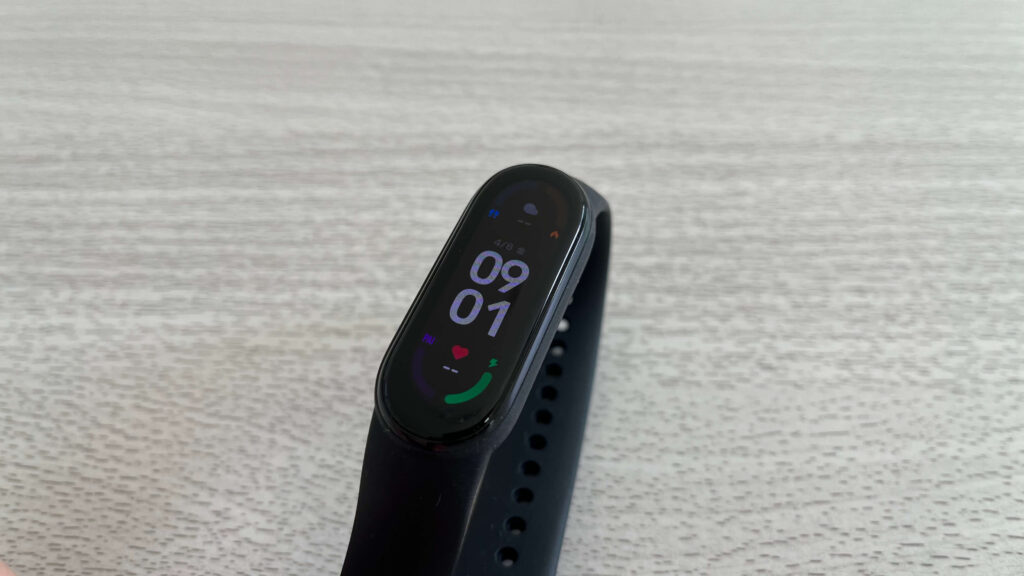
『Xiaomi Mi スマートバンド6(Mi Band6)』と『STRAVA』を連携する方法をまとめていきます。
Mi Band6とStravaを連携する方法
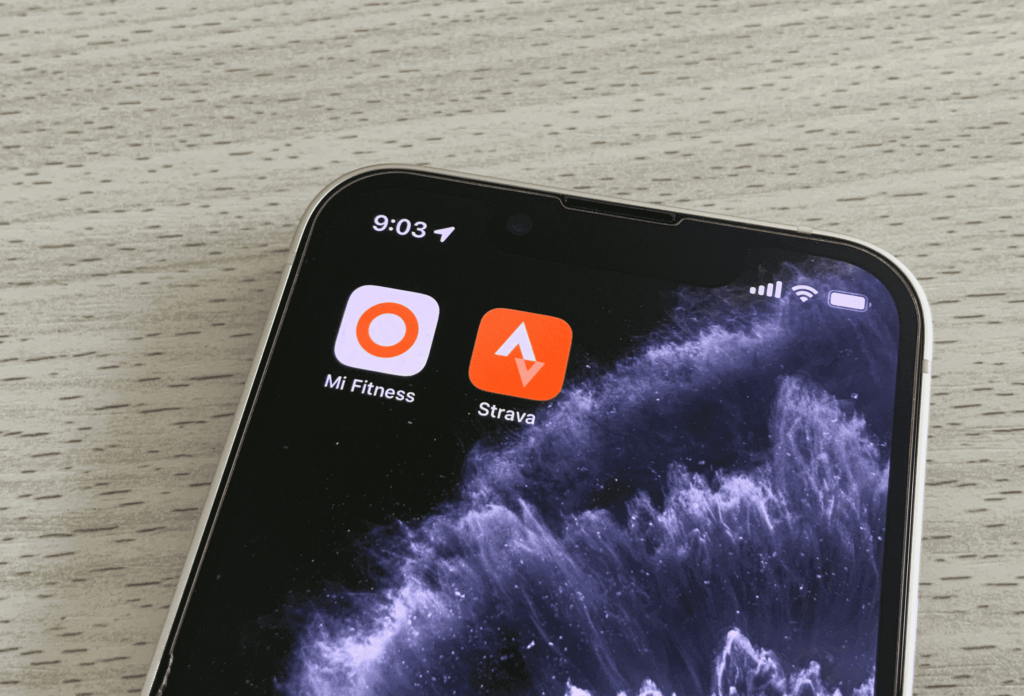
『Mi Band6』と『Strava』はこちらの2ステップで連携できます。
順番に見ていきましょう。
① Mi Band6とMi Fitnessを紐づける
まずは『Mi Band6』と専用のアプリ『Mi Fitness』を紐づけていきます。
『Mi Fitness』のアプリを持ってしていない方はインストールしておいてください。

インストールできたらアプリを立ち上げて
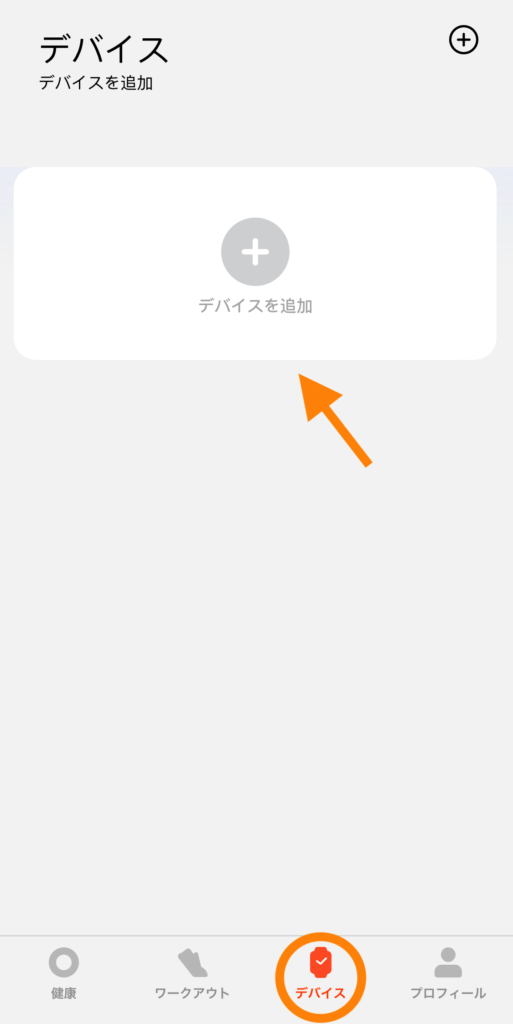
「デバイス」メニューから「デバイスを追加」をタップします。
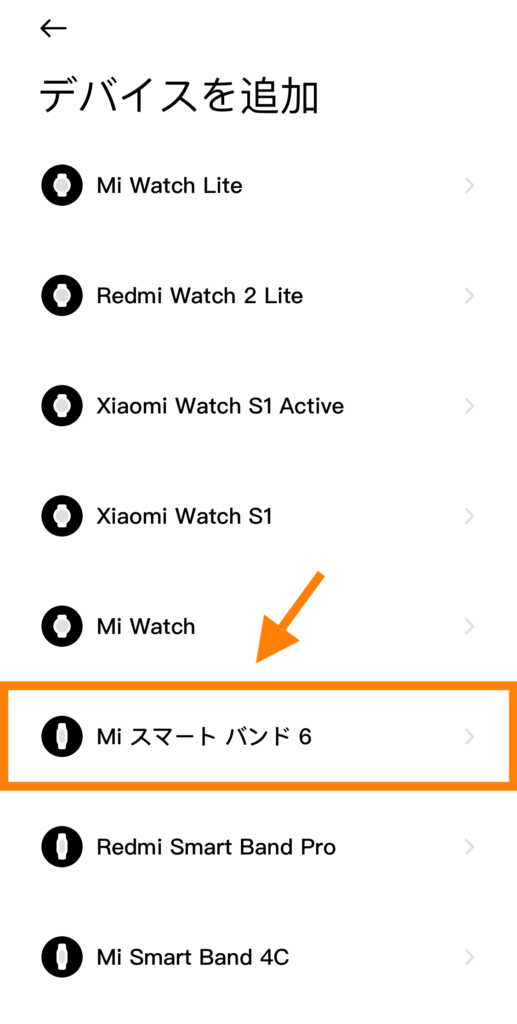
『Mi スマートバンド6』を選んで
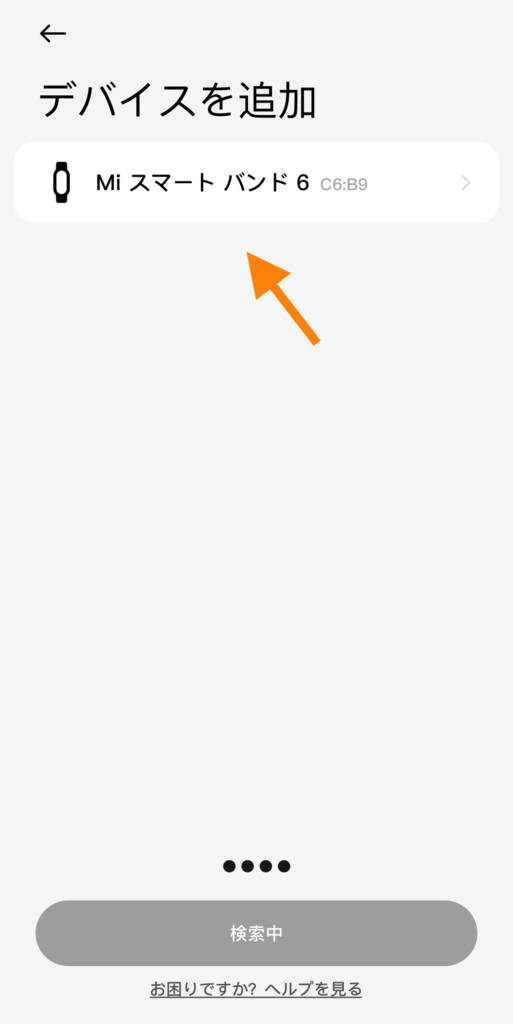
もう1回『Mi スマートバンド6』をタップします。
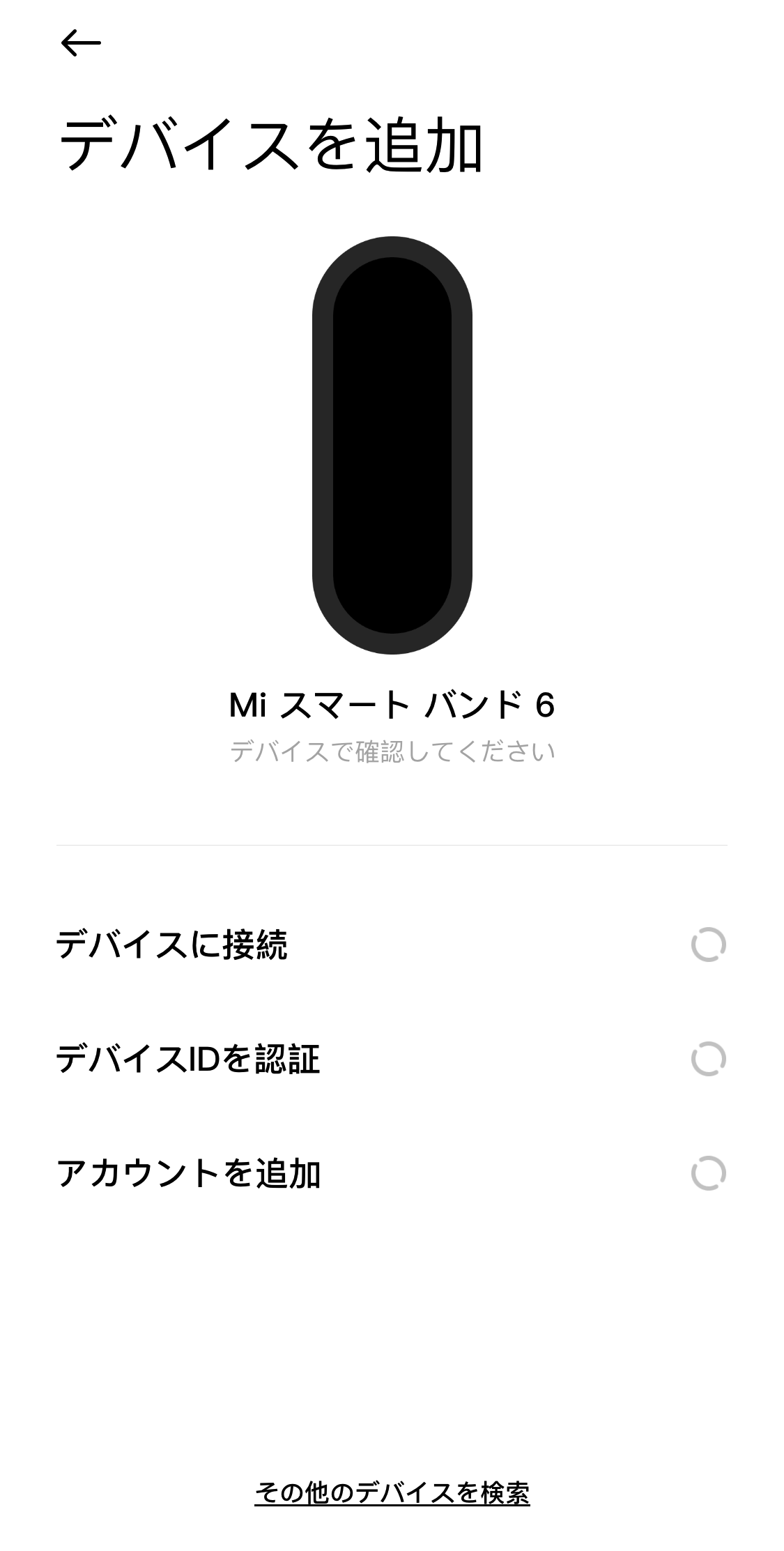

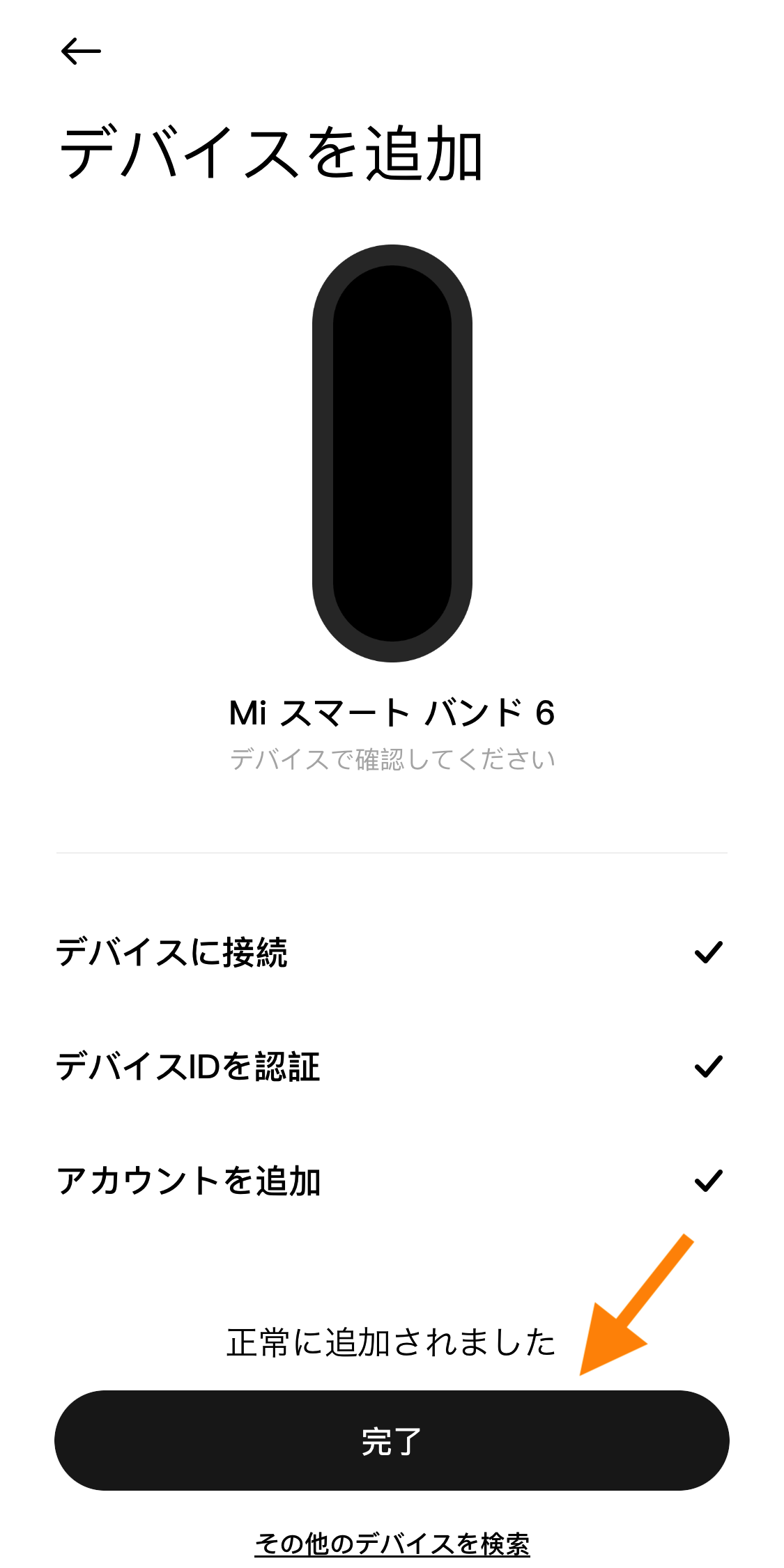
『Mi スマートバンド6』と接続して、
- デバイスに接続
- デバイスIDを認証
- アカウントを追加
の3つ全てにチェックが付いたら「完了」を押してください。
デバイスIDを認証するときに、『Mi スマートバンド6』での操作も必要になります。
『Mi スマートバンド6』で接続の表示画面出たらタップして進めてみてください。
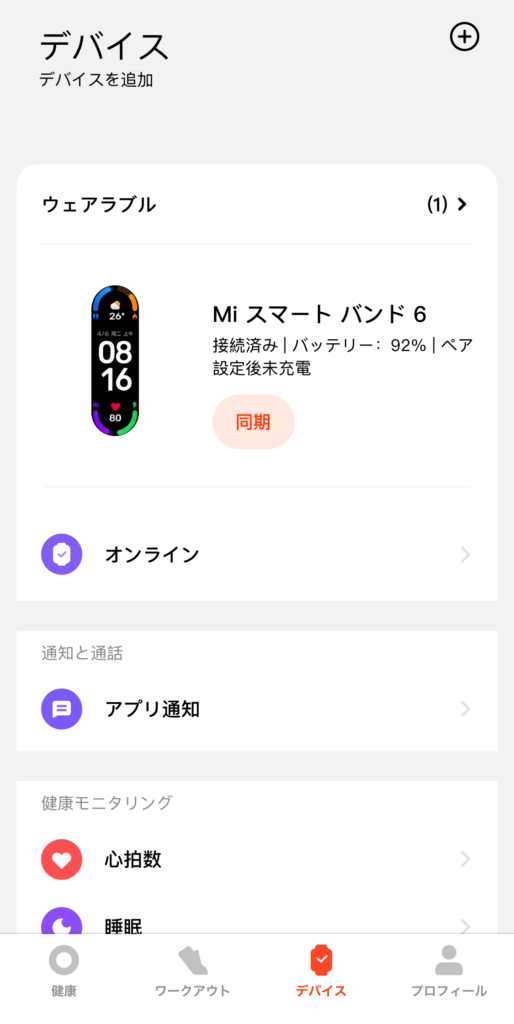
デバイスのページで、「Mi スマートバンド6」が表示されたら連携完了です。
② Mi FitnessとStravaを紐づける
続いて、『Mi Fitness』と『Strava』を紐づけていきましょう。
『Strava』のアカウントを持っていない方は、アプリをインストールして登録しておいてください。

『Mi Fitness』を立ち上げて
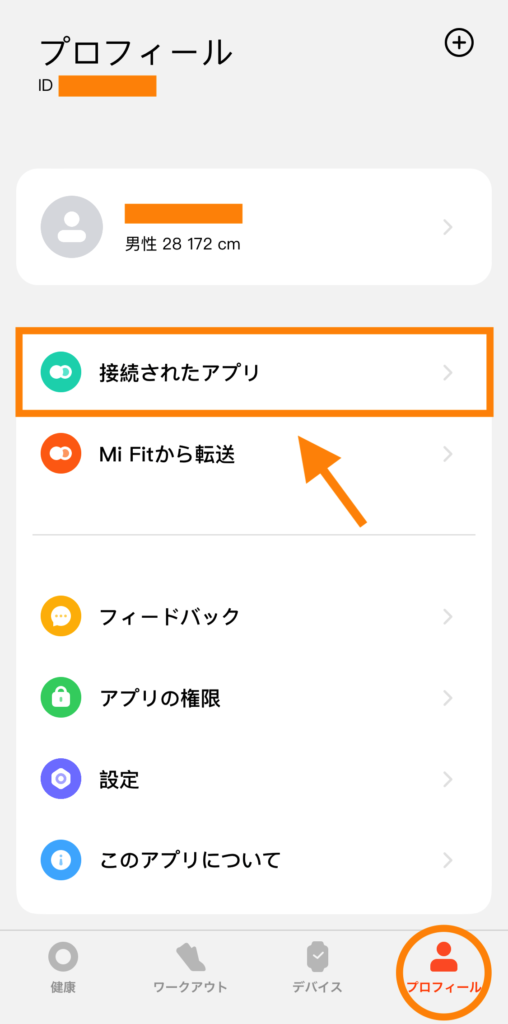
「プロフィール」から「接続されたアプリ」をタップします。
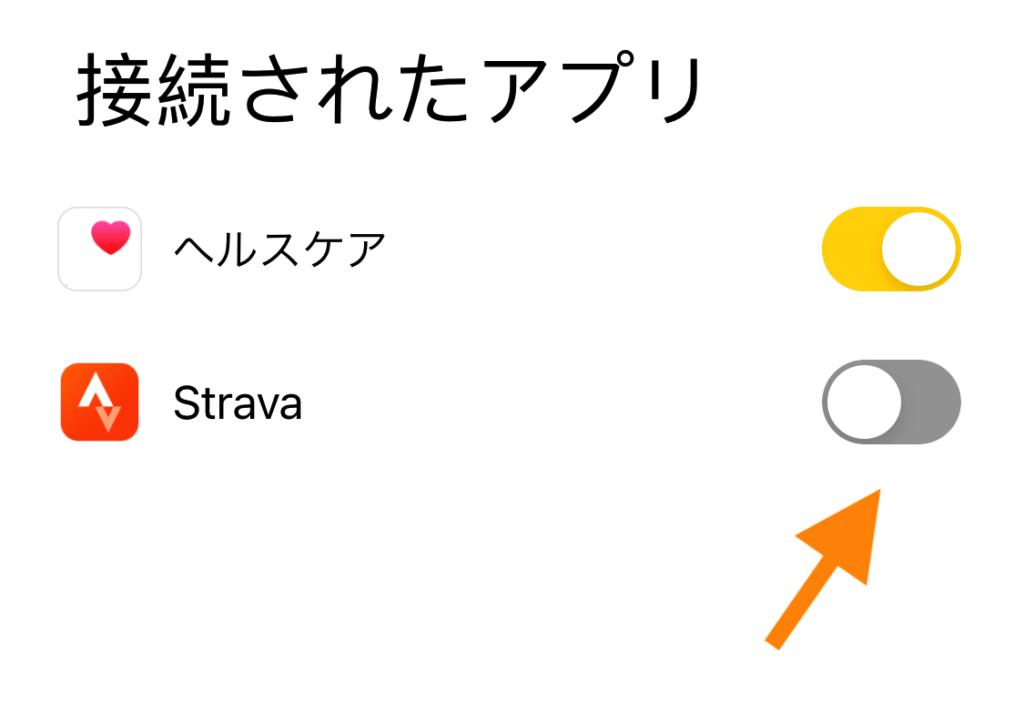
『Strava』の部分をタップすると
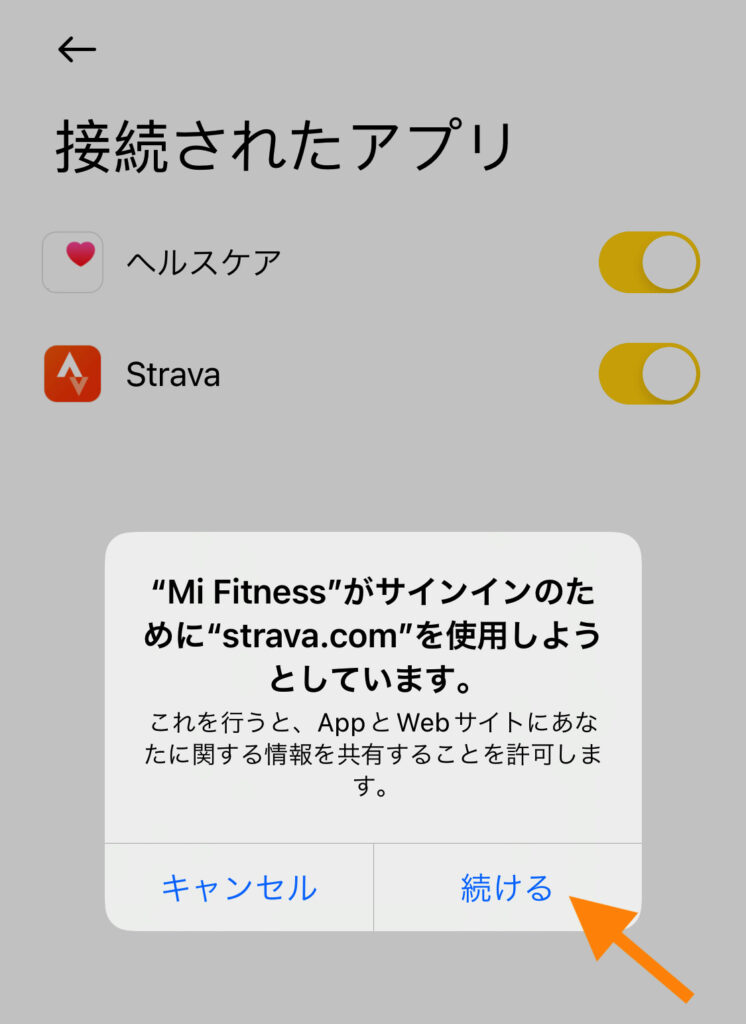
このポップアップが出てくるので「続ける」を押して進めていきましょう。
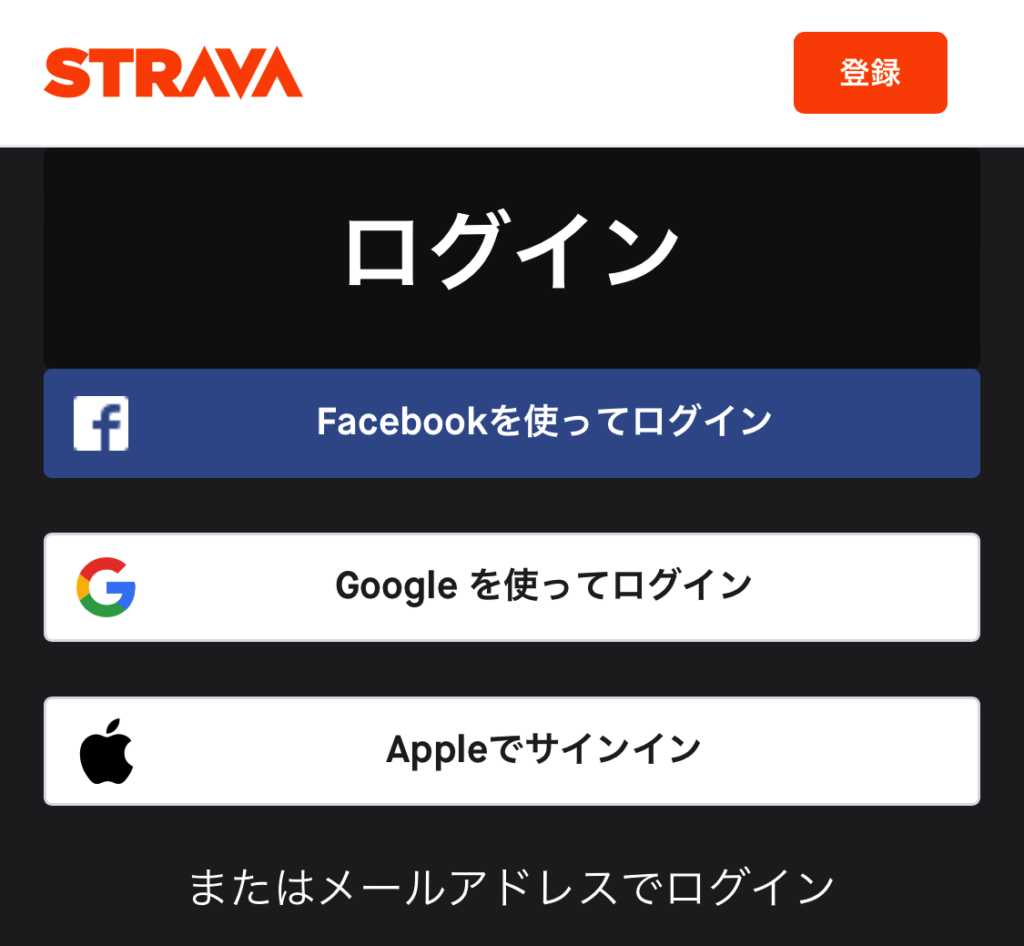
Stravaで使っているアカウントでログインして、
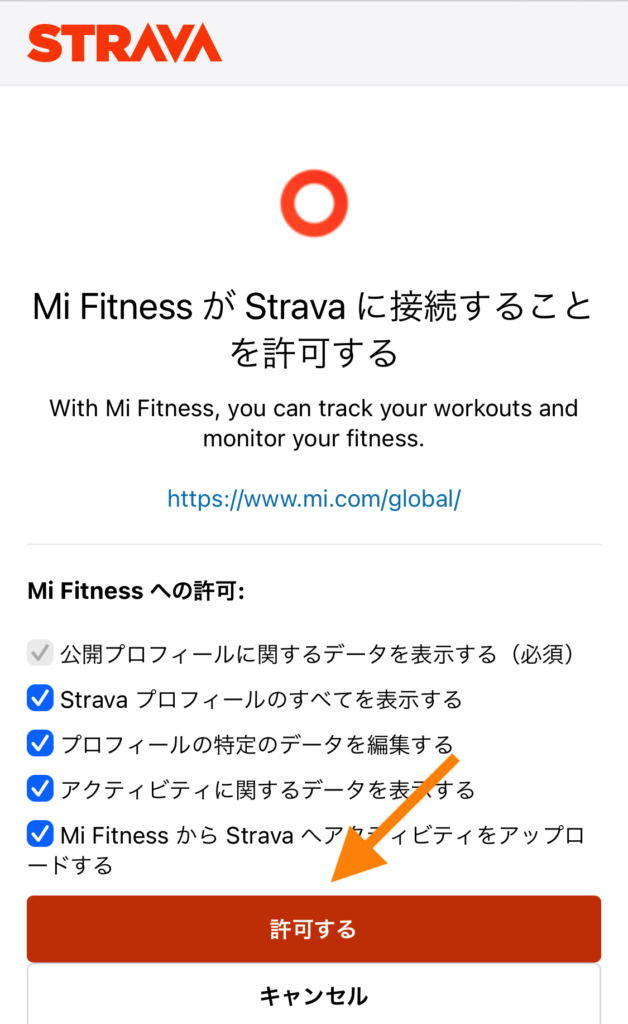
「許可する」を押すと
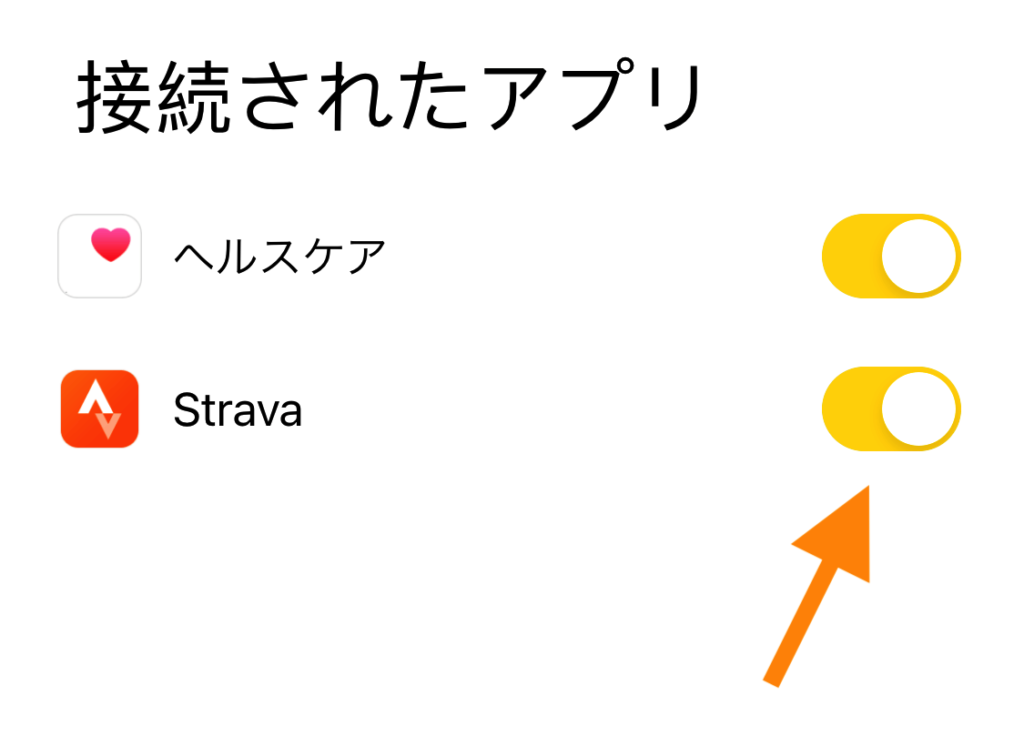
Stravaの接続がONになります。
以上で『Mi スマートバンド6』と『STRAVA』の接続は完了です!
これからは『Mi スマートバンド6』で運動した記録は、自動的にStravaに同期されます。